SDK Setup Overview
This page provides a high-level overview of the steps required to use MapConductor with each map provider. See the provider-specific pages for detailed instructions.
Common Prerequisites
Before using MapConductor, make sure the following prerequisites are met:
- An Android project is created and configured with Gradle.
- Kotlin and Jetpack Compose are enabled in the project.
- You have obtained the required API keys / credentials for each map SDK you plan to use.
You can find an example Gradle setup in the Get Started section.
Provider-Specific Setup
The setup steps for each map provider are described on the following pages:
You only need to configure the providers you actually use in your application.
Initializing MapConductor
Once each map SDK is initialized, MapConductor only needs the corresponding MapViewStateInterface and map view component.
@Composablefun MyMap() {    val cameraPosition = MapCameraPosition(        position = GeoPoint.fromLatLong(35, 135),        zoom = 12,    )
    val mapViewState = rememberGoogleMapViewStateInterface(        cameraPosition = cameraPosition,    )
    GoogleMapView(state = mapViewState) {        // Add Marker / Circle / Polyline as needed    }}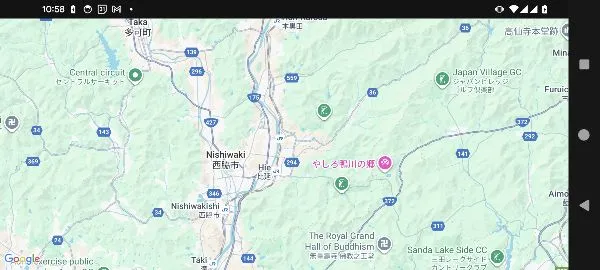
To switch to another provider, replace rememberGoogleMapViewState and GoogleMapView with the corresponding versions such as rememberMapboxMapViewState and MapboxMapView.